
Back to All Apps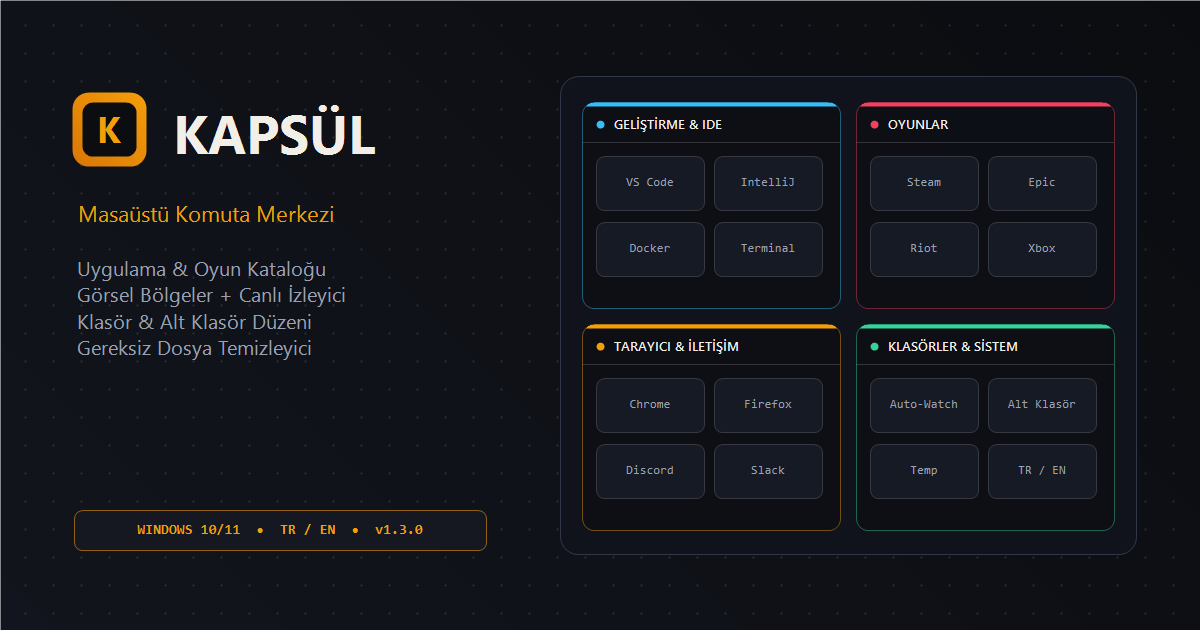
LiveDesktop Applicationv1.3.0November 29, 2026
capsule
Categorize applications and games on your computer, organize your desktop with visual zones, manage folders and clean unnecessary files.
Tech Stack:ElectronReactTypeScriptViteWindows Shell COM
Capsule is a native desktop command center developed for Windows 10 and Windows 11, with full Turkish and English (TR / EN) language support. It automatically scans and categorizes all installed applications and games, organizes the desktop with visual zones without storing them in folders, places newly downloaded files into its automatic zone with a live viewer, organizes folders and subfolders, and safely cleans unnecessary system files.
Features
- Automatic Application & Game Catalog: Automatically scans Windows Registry, Start Menu, Steam, Epic Games, Riot Games and Microsoft Store applications. It divides it into Development & IDE (VS Code, IntelliJ, Docker, Terminal), Browsers (Chrome, Firefox, Edge), Games, Design & Media, Communication, Office & Productivity, Security and System Tools. It offers one-click launch, favorites, and manual category editing.
- Visual Desktop Regions + Live Auto-Watch: With 5 ready-made templates (Command Grid, Developer Studio, Minimalist Sidebar, Gamer Cockpit, 6-Zone Full Separation) draws labeled transparent regions on top of the existing wallpaper or custom theme and aligns all desktop icons under their titles with the native Windows
IFolderView2API. When Auto Viewer is turned on, it detects newly downloaded or added files/shortcuts to the desktop and automatically places them in the first empty slot in its region. Supports Return to Old Desktop with one click. - Desktop Layout with Foldering: 6 default foldering patterns, live schema preview and one-click Undo history.
- Folder Categorizer & Subfolder Management: Sorts files in the selected folder by category, extension, date, size or custom rules; Supports inline or bulk renaming of subfolders, moving to another folder, creating new folders, and smart grouping by content.
- Junk Cleaner: Scans
%TEMP%,C:\Windows\Temp, browser disk caches (cookies and sessions preserved), Recycle Bin, thumbnail cache, crash dumps, installation files older than 30 days, and empty folders; offers secure Recycle Bin or permanent delete mode. - Full Turkish & English Language, Settings, System Tray & About: Full EN/TR switching with one click from the top bar or Settings, minimizing to the system tray when the window is closed, automatic opening at Windows startup and About page.
Installation (v1.3.0)
- Setup Wizard: Kapsul-Setup-1.3.0.exe
- Portable without installation: Kapsul-1.3.0-Portable.exe
- All Releases: GitHub Releases